
AI Integration
Build your apps with Hasab AI
Quick Start
Wondering how you can integrate with Hasab AI, the intelligent platform for building smarter applications? Well, here are 5 quick steps to integrate and start using Hasab AI!
Hasab AI is a modern solution that helps developers and businesses unlock the power of artificial intelligence with simple and reliable APIs. With Hasab, you can enhance your applications by adding AI-powered features such as text analysis, real-time insights, and automation all with just a few lines of code.
Whether you’re building web apps, mobile apps, or enterprise solutions, Hasab AI makes it easy to connect your product with powerful AI models. With a single integration, you can move from raw input to actionable insights in minutes.
If you’re looking to integrate with Hasab, this guide will walk you through the process and provide you with everything you need to get started. Whether you’re a developer experimenting with AI or a business owner seeking smarter solutions, Hasab AI is designed to make integration simple, fast, and developer-friendly.
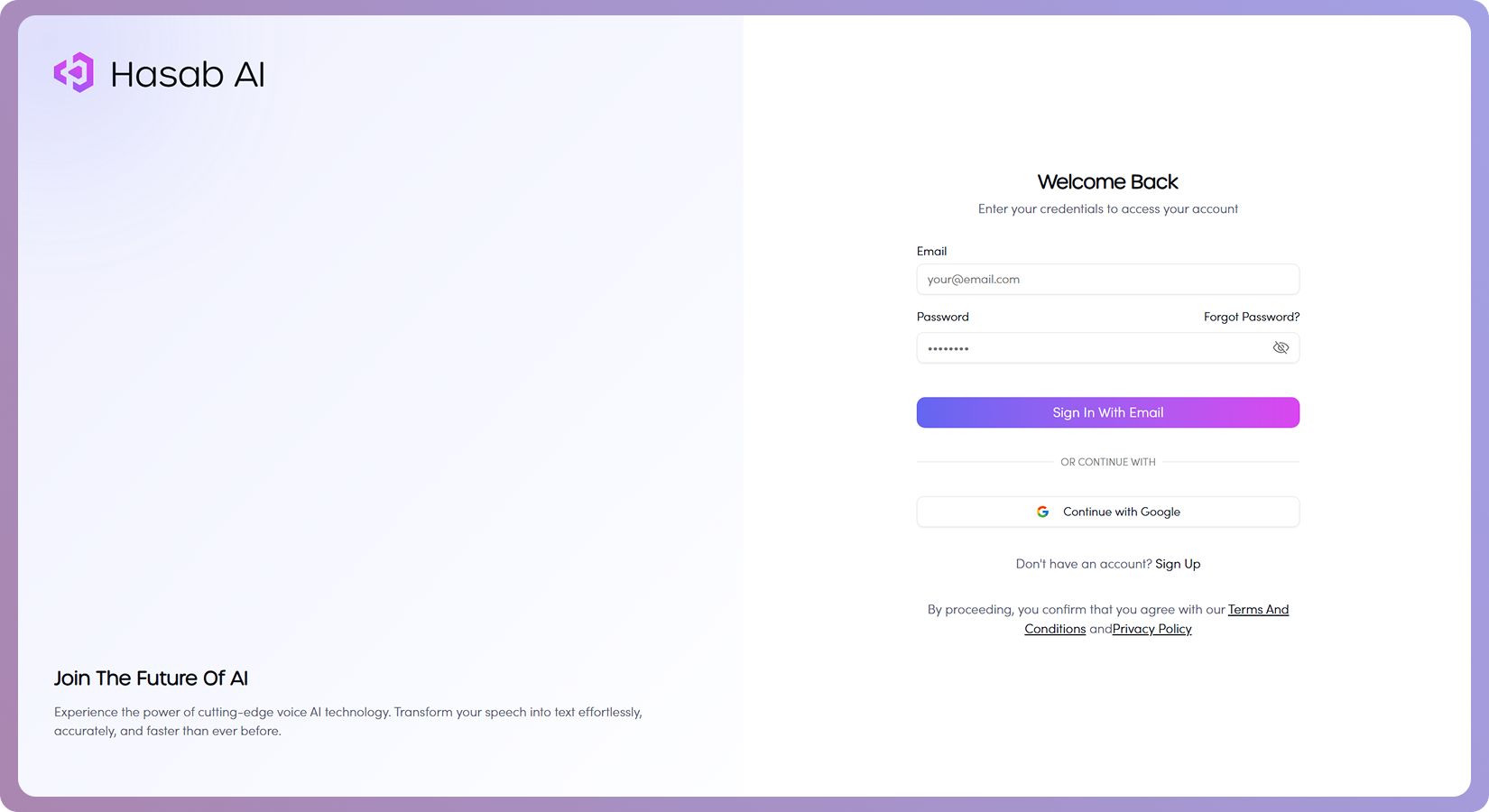
Step 1: Sign up for an account with Hasab
The first step is to create an account on Hasab AI.
Once you’re signed in, you’ll get access to your personal dashboard where you can manage your account and API settings.
Step 2: Get your API key and endpoint
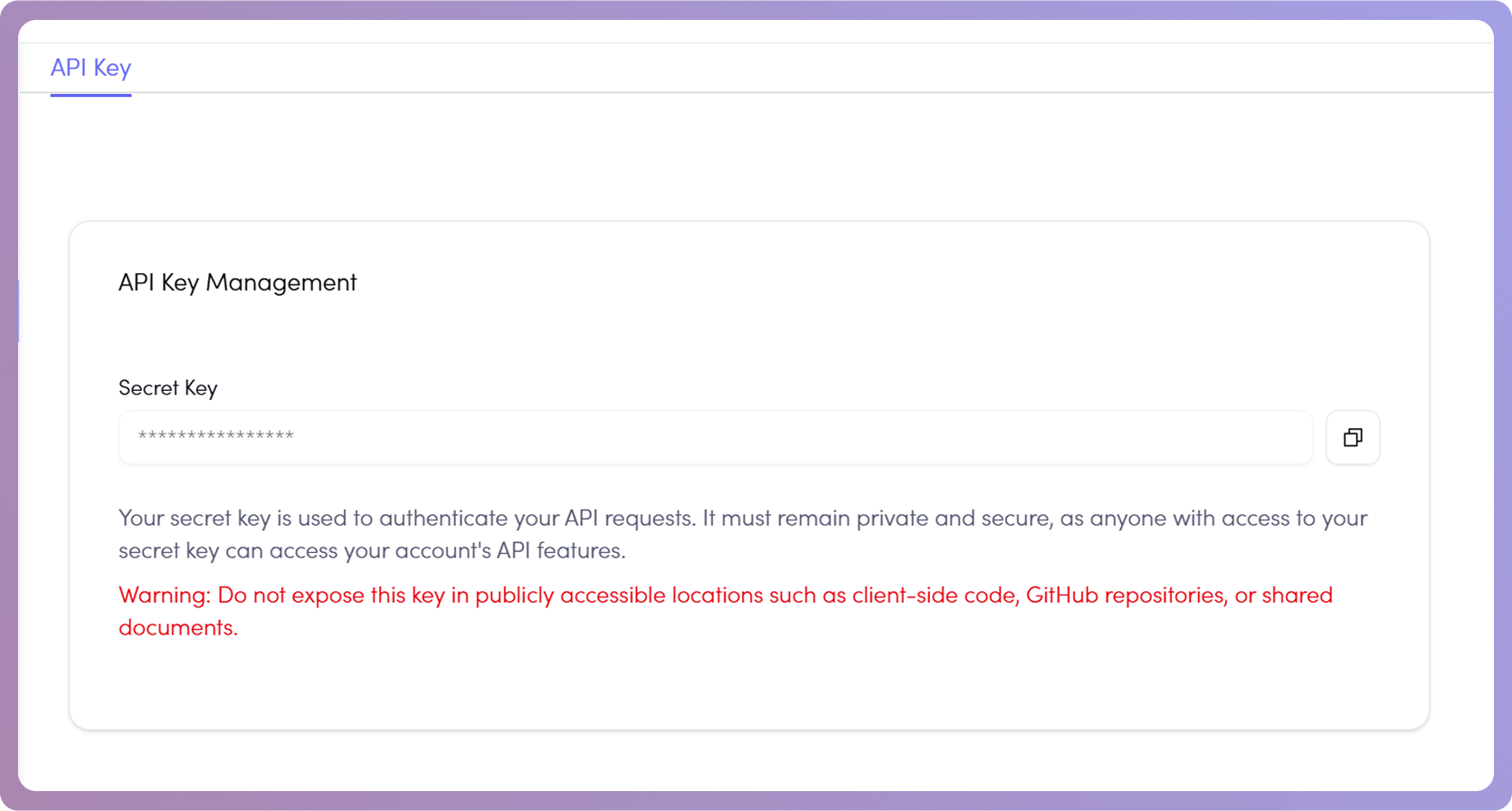
After creating your account, head to the Hasab AI Dashboard.
From there, you can generate your API key and find your API endpoint.
These credentials will be required for authenticating your API requests.
Step 3: Pick your programming language or framework
Hasab AI supports multiple programming languages and frameworks.
Choose the one you’re most comfortable with to make integration quick and easy.

Step 4: Use the API documentation and sample code
Check out the official Hasab AI documentation to explore the available endpoints and features.
- Text-to-Speech API – Convert text into natural-sounding speech.
- Chat API – Send messages and get AI responses.
- Transcription API – Convert speech to text with high accuracy.
- Text-to-Text Translation API – Translate plain text between supported languages without audio upload.
- Transcription → Translation – Translate transcribed audio as part of the upload-audio flow.
Here’s an example request showing how to authenticate with your API key:
Example Request
curl -X GET "https://api.hasab.ai/api/v1/chat/history" \
    -H "Authorization: Bearer YOUR_API_KEY" \
    -H "Content-Type: application/json"
async function getChatHistory() {
  const response = await fetch("https://api.hasab.ai/api/v1/chat/history", {
    method: "GET",
    headers: {
      "Authorization": "Bearer YOUR_API_KEY",
      "Content-Type": "application/json"
    }
  });

  const data = await response.json();
  console.log(data);
}
getChatHistory();
import requests
url = "https://api.hasab.ai/api/v1/chat/history"
headers = {
"Authorization": "Bearer YOUR_API_KEY",
"Content-Type": "application/json"
}
response = requests.get(url, headers=headers)
print(response.json())
<?php
$ch = curl_init("https://api.hasab.ai/api/v1/chat/history");

curl_setopt($ch, CURLOPT_RETURNTRANSFER, true);
curl_setopt($ch, CURLOPT_HTTPHEADER, [
    "Authorization: Bearer YOUR_API_KEY",
    "Content-Type: application/json"
]);

$response = curl_exec($ch);
curl_close($ch);

echo $response;
?>
package main

   import (
       "fmt"
       "gopkg.in/resty.v1"
   )

   func main() {
   resp, err := resty.R().
   SetHeader("Authorization", "Bearer YOUR_API_KEY").
   SetHeader("Content-Type", "application/json").
   Get("https://api.hasab.ai/api/v1/chat/history")

       if err != nil {
           panic(err)
       }

       fmt.Println("Status:", resp.Status())
       fmt.Println("Response:", resp.String())

   }
You can view the full list of supported languages for transcription, translation, and other services View Supported Languages
Response
{
  "history": [
    {
      "id": 1,
      "title": "General Chat",
      "created_at": "2025-10-27T00:00:00Z",
      "messages": [
        {
          "role": "user",
          "content": "Hello",
          "created_at": "2025-10-27T00:00:00Z"
        },
        {
          "role": "assistant",
          "content": "Hi there!",
          "created_at": "2025-10-27T00:00:01Z"
        }
      ]
    }
  ]
}
Common HTTP Status Codes
| Status Code | Meaning |
|---|---|
200 | Success |
400 | Bad Request (validation error) |
401 | Unauthorized |
404 | Not Found |
429 | Too Many Requests |
500 | Internal Server Error |
Rate Limiting
Endpoints are rate-limited based on user tokens and API key limits. Check token balance via profile endpoints.